Skip to content

THE POWER OF MAC. WITHOUT THE PURCHASE.

Don't Buy a Mac. Rent the Power. 

Access a powerful dedicated Mac mini remotely. Pay monthly, connect, and start building — without buying the hardware.

From $99.99 / month · Billed monthly · No hardware to buy · Nothing shipped

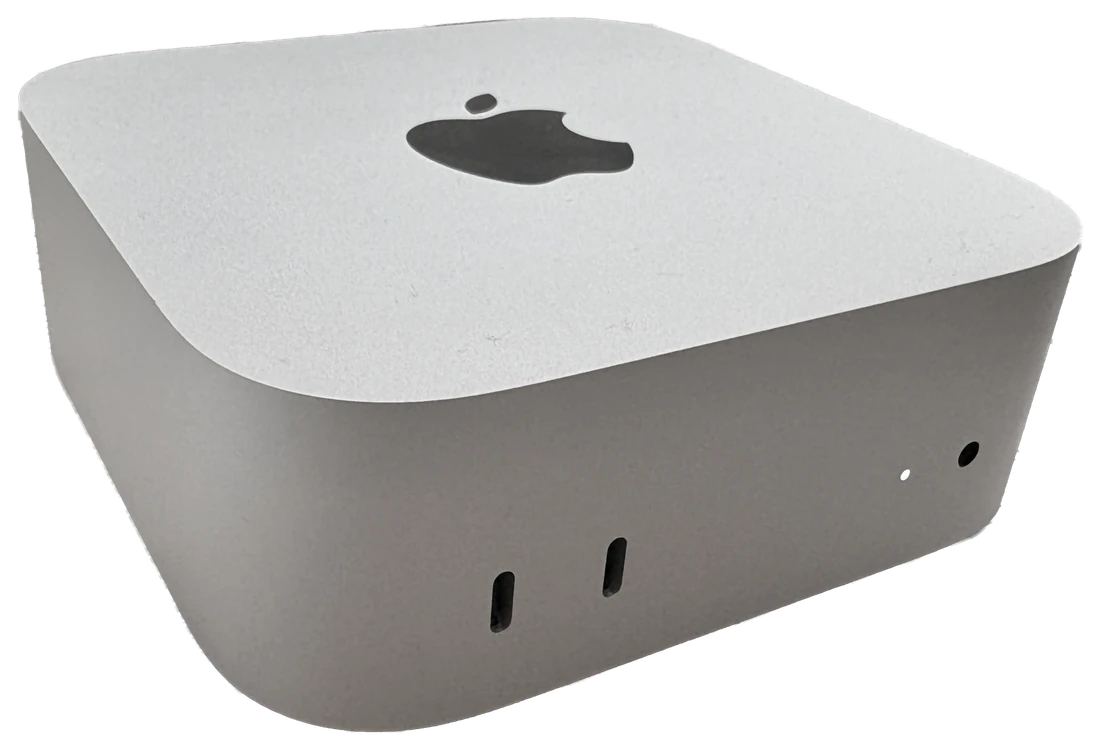
Photo of a silver Mac mini with the M4 chip, seen from the front-left and slightly above, showing two USB-C ports, the power light and headphone jack
  • Online 24/7
  • Up to 5 Gbps network speed
  • Dedicated physical Mac hardware
  • No upfront hardware purchase
  • Remote access from anywhere
  • Your own macOS environment

Mac mini M4 · 12.7 × 12.7 × 5.0 cm

Every angle. Every core.

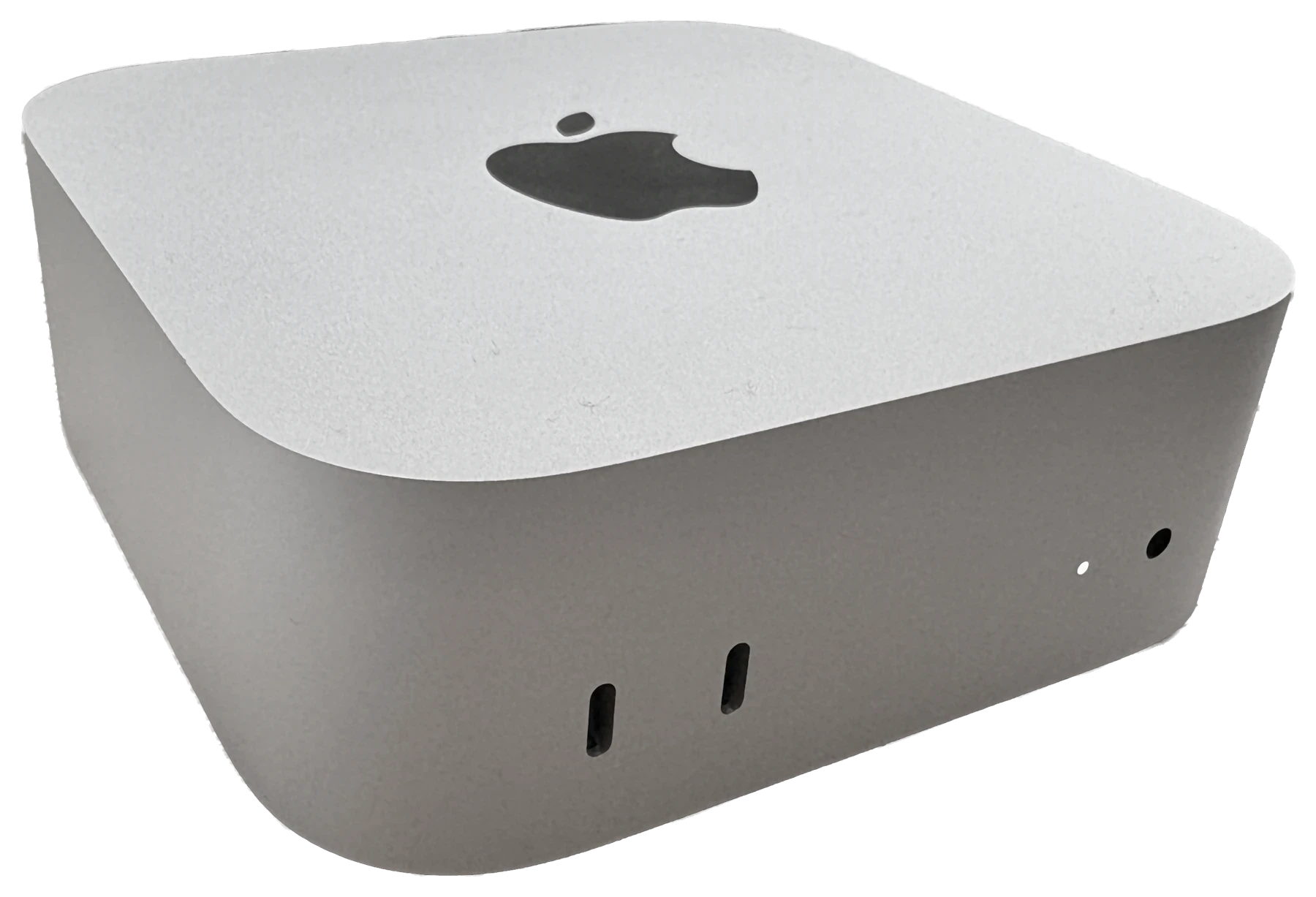
Real photographs of the Mac mini (M4). Specifications from Apple's published data.

Photo of a silver Mac mini with the M4 chip, seen from the front-left and slightly above, showing two USB-C ports, the power light and headphone jack

Three-quarter view from above — 12.7 × 12.7 cm footprint, 5.0 cm tall.

Choose Front or Rear to see every port labelled.

Perspective: Three-quarter view from above — 12.7 × 12.7 cm footprint, 5.0 cm tall.

Top, side and underside views will be added with photography of our own machines.

What the hardware supports

  • CPU

    10-core CPU

    4 performance + 6 efficiency cores

  • GPU

    10-core GPU

    16-core Neural Engine

  • Unified memory

    16–32 GB

    16 GB · 24 GB · 32 GB

    120 GB/s bandwidth

  • SSD

    256 GB – 2 TB

    256 GB · 512 GB · 1 TB · 2 TB

Source: Apple's published specifications (opens in a new tab)

What you can rent

Memory · SSD configurations we offer:

  • 16 GB · 256 GB
  • 16 GB · 512 GB
  • 24 GB · 512 GB
  • 32 GB · 1 TB
  • 32 GB · 2 TB
Rent M4 from $99.99/mo

Rent now

Pick memory and storage and the monthly price updates instantly. One dedicated Mac mini per customer, billed monthly — no hardware to buy.

Mac mini M4

Compact Power. Unlimited Possibilities.
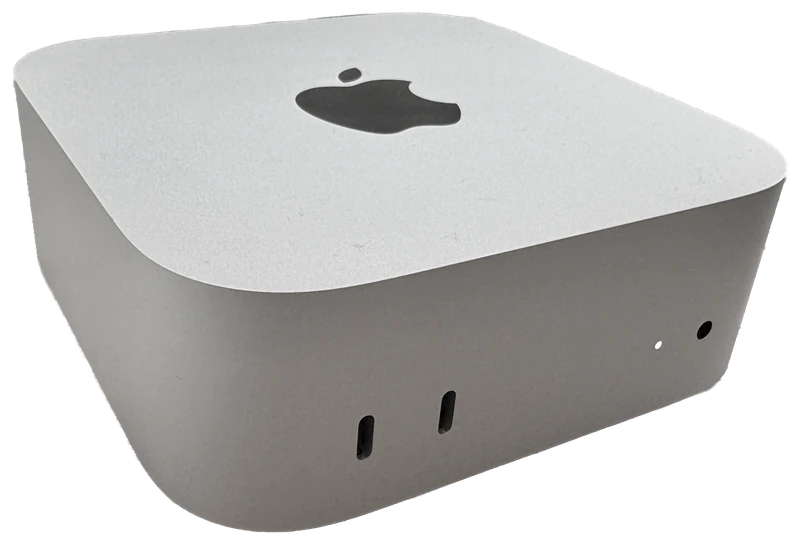
Photo of a silver Mac mini with the M4 chip, seen from the front-left and slightly above, showing two USB-C ports, the power light and headphone jack
Chip
Apple M4
CPU
10-core
GPU
10-core

Unified memory

SSD storage

  • Dedicated physical Mac mini
  • Online 24/7
  • Up to 5 Gbps network speed
  • SSH access over a private network
  • Screen access from your dashboard
  • Tailscale, TeamViewer, AnyDesk or Chrome Remote Desktop

10 available now

Monthly total

$99.99/ month

16 GB memory · 256 GB SSD · before applicable taxes

Mac mini M6

Next-Level Mac Performance.

Photo of a silver Mac mini with the M4 chip, seen from the front-left and slightly above, showing two USB-C ports, the power light and headphone jack. Photo shows Mac mini M4 — M6 uses the same enclosure.

Photo shows Mac mini M4 — M6 uses the same enclosure

Chip
Apple M6
CPU
12-core
GPU
12-core

Unified memory

SSD storage

  • Dedicated physical Mac mini
  • Online 24/7
  • Up to 5 Gbps network speed
  • SSH access over a private network
  • Screen access from your dashboard
  • Tailscale, TeamViewer, AnyDesk or Chrome Remote Desktop

10 available now

Monthly total

$149.99/ month

16 GB memory · 256 GB SSD · before applicable taxes

Available in 9 countries

Choose the location closest to you at checkout for the lowest latency.

  • United States· 12 available
  • Australia· 11 available
  • Canada· 11 available
  • Germany· 11 available
  • Japan· 11 available
  • Malaysia· 11 available
  • Singapore· 11 available
  • United Arab Emirates· 11 available
  • United Kingdom· 11 available

Prices exclude applicable taxes. Longer billing terms are shown on the pricing page.

How it works

Your own powerful Mac, without buying the hardware.

01

Choose Your Mac

Pick a Mac mini, then memory, storage and a billing term. You see the full monthly price before you pay.

02

Pay Monthly

Pay through a hosted crypto checkout. Your rental period starts only when your Mac is ready — not when you pay.

03

Connect and Use

Open your Mac from the dashboard — Tailscale, TeamViewer, AnyDesk or Chrome Remote Desktop — or connect over SSH. Build, test and ship from anywhere.

Buy vs rent

Get the Mac you need for the work in front of you, and stop when you are done.

Buying a Mac

  • Upfront hardware investment
  • Maintenance is your responsibility
  • Physical setup, power and networking
  • Replacement costs when hardware ages or fails

Renting with us

  • Simple monthly payments
  • No hardware purchase
  • Remote connectivity from anywhere
  • Managed infrastructure
  • Flexible memory and storage configurations

For developers

A real macOS machine dedicated to you. Bring your editor, your tools and your repositories.

Full shell access

SSH in with your own keys. Install anything with Homebrew.

Your editor, remote

VS Code and Cursor connect over Remote-SSH.

Native Apple silicon

Xcode, Simulator and Swift run on the real chip — no emulation.

From any computer

Windows, Linux or another Mac — it only needs a network connection.

Our facility · real footage

Infrastructure

Real machines. Rack by rack.

Every rental is a physical Mac mini dedicated to a single customer for the full rental period.

  • One Mac. One customer.

    Every rental is a dedicated physical Mac mini, used only by you for the full rental period. It is never shared while you rent it.

  • Erased between customers

    When a rental ends the machine is securely erased and restored. It is only offered again after sanitisation has been verified.

  • Private network access

    You connect over a private Tailscale network with access rules scoped to your rental. SSH and Screen Sharing ports are never exposed to the public internet.

  • Health monitoring

    Machines running our management agent report health heartbeats. Live service status and any incidents are published on the status page.

    View status

FAQ

Can't find what you need? Visit Support or the documentation.
  • Yes. Each rental is a dedicated physical Mac mini used exclusively by you for the full rental period. It is never shared with other customers while you rent it.

A dedicated Mac mini, billed monthly and reachable from anywhere. Configure it, pay, and start building.